
Screenshots
App details
- Updated
- Nov 26, 2021
- Language
- English
- Developer
- Mladen Mihajlović
- Category
- Mobile
SoftPas in:
This product is also available in the following languages:
About Mamesaver
Download Mamesaver – Classic Arcade Games, Retro Gaming, Screensaver, MAME Emulator, Nostalgic Experience, Arcade Nostalgia, Desktop Gaming
Overview
Mamesaver is a distinctive utility that reimagines the traditional computer screensaver by transforming it into a gateway to classic arcade gaming. Designed for users who cherish the golden era of arcade machines, the app seamlessly integrates with the Multiple Arcade Machine Emulator (MAME) and compatible ROMs to deliver an immersive retro gaming experience directly on the desktop. Rather than displaying static images or simple animations, Mamesaver activates playable arcade titles when the computer is idle, turning downtime into a nostalgic gaming session.
The app targets enthusiasts of vintage games, retro computing, and desktop customization. It is particularly appealing to users who want to preserve the authenticity of arcade gameplay while enjoying it in a modern environment. By allowing users to select favorite games and set them to run automatically, Mamesaver enhances the user’s digital workspace with an element of fun and personalization. Its purpose is not to replace full gaming sessions but to offer brief, spontaneous bursts of entertainment during work breaks or idle moments.
Although the developer did not provide additional technical details about the team or development history, Mamesaver’s release in November 2021 suggests a focused effort to serve a niche but passionate audience. In the broader app ecosystem, it stands out as a creative fusion of utility and entertainment, bridging the gap between productivity tools and retro gaming culture. For users seeking a unique way to engage with classic games, Mamesaver offers a simple yet effective solution.
Key Features & Functionality
- Easy Setup: Mamesaver is designed for straightforward integration with existing MAME installations. Users need only ensure that a compatible MAME emulator and valid ROMs are already configured on their system. Once verified, selecting Mamesaver as the screensaver is a quick process through the standard Windows display settings.
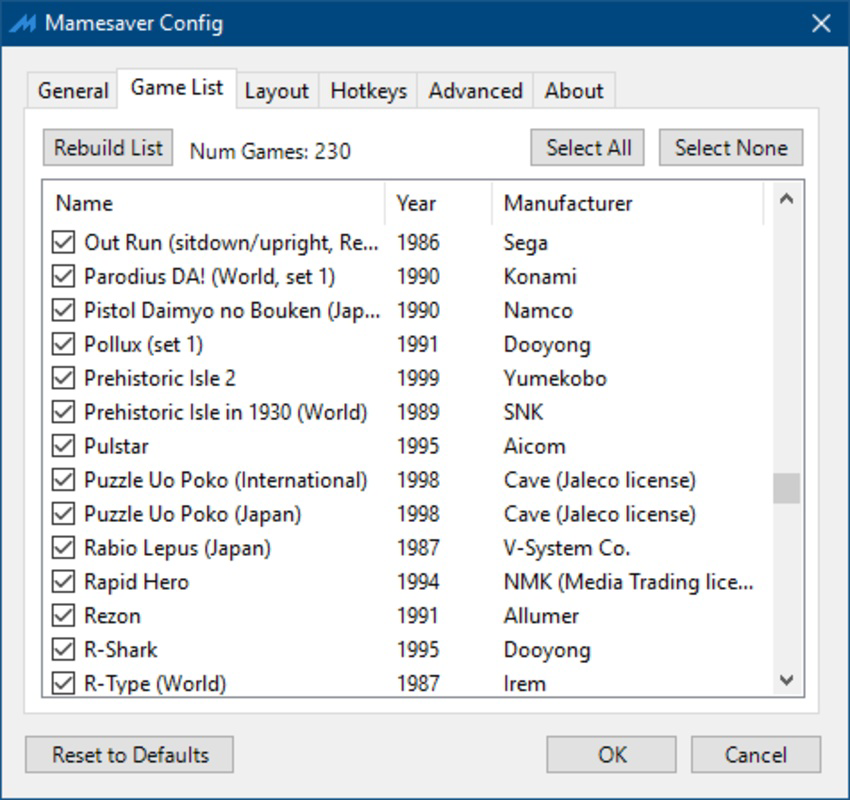
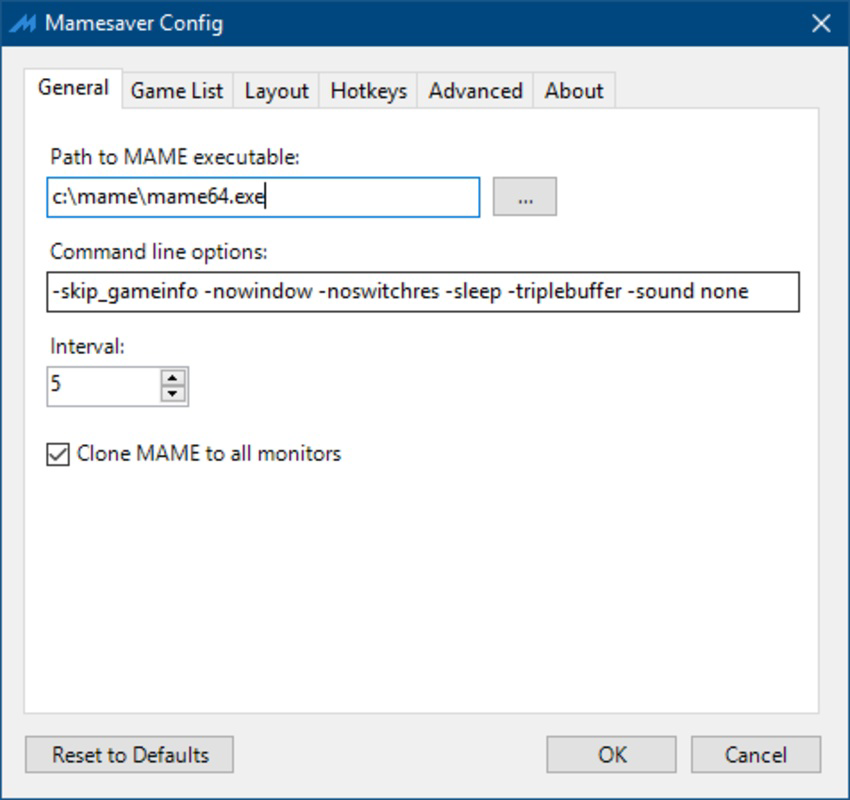
- Game Selection Interface: The app provides a clean, user-friendly interface that lists available ROMs from the MAME library. Users can curate a personal list of preferred games, ensuring that only the titles they enjoy appear during screensaver activation.
- Auto-Switch Feature: For users who enjoy variety, Mamesaver includes an auto-switch function. Games can be set to transition automatically after a customizable time interval, ranging from two minutes to 24 hours, preventing repetition and maintaining engagement.
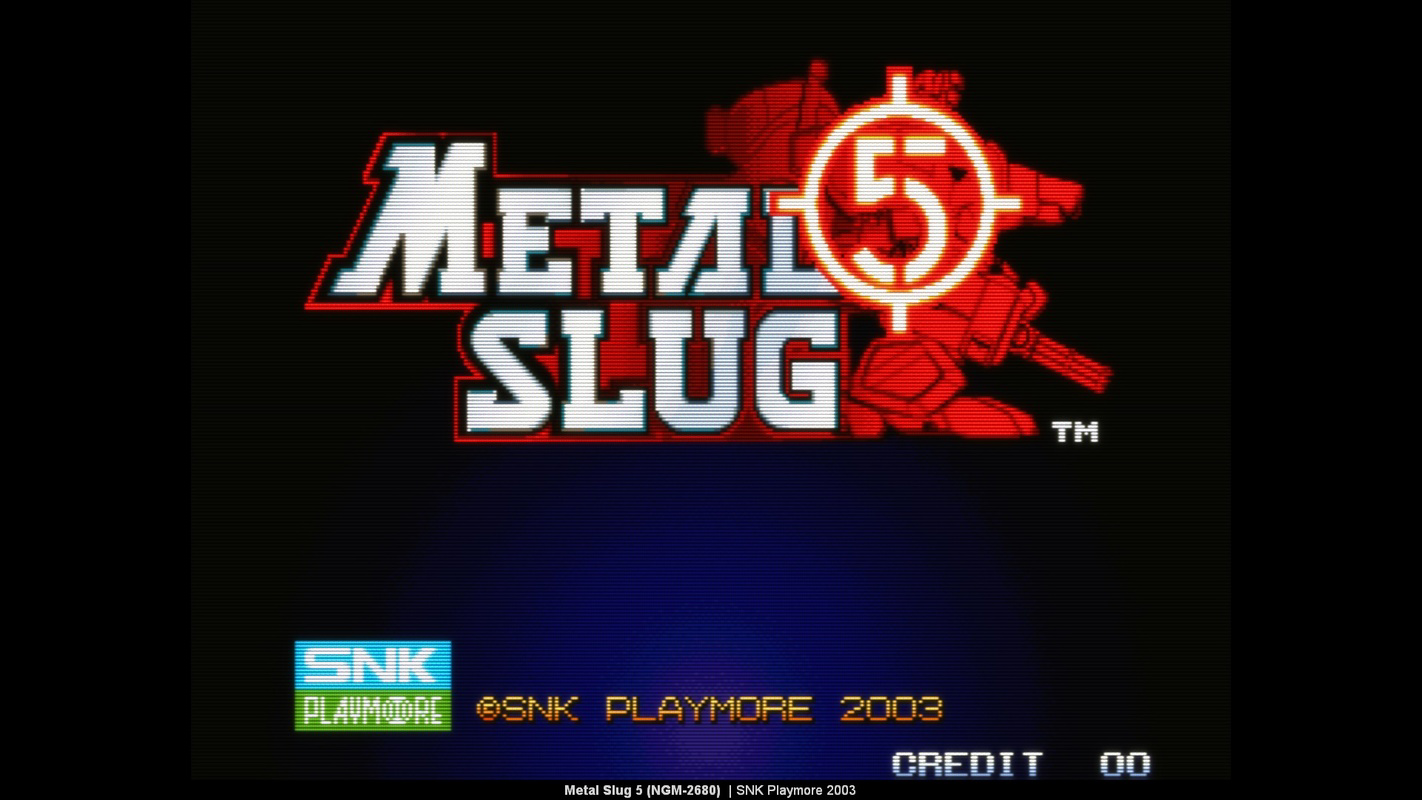
- Retro Gaming Experience: By running actual arcade ROMs in fullscreen mode, Mamesaver delivers an authentic gaming atmosphere. The app preserves the original game mechanics, controls, and visual aesthetics, offering a true-to-form nostalgic experience.
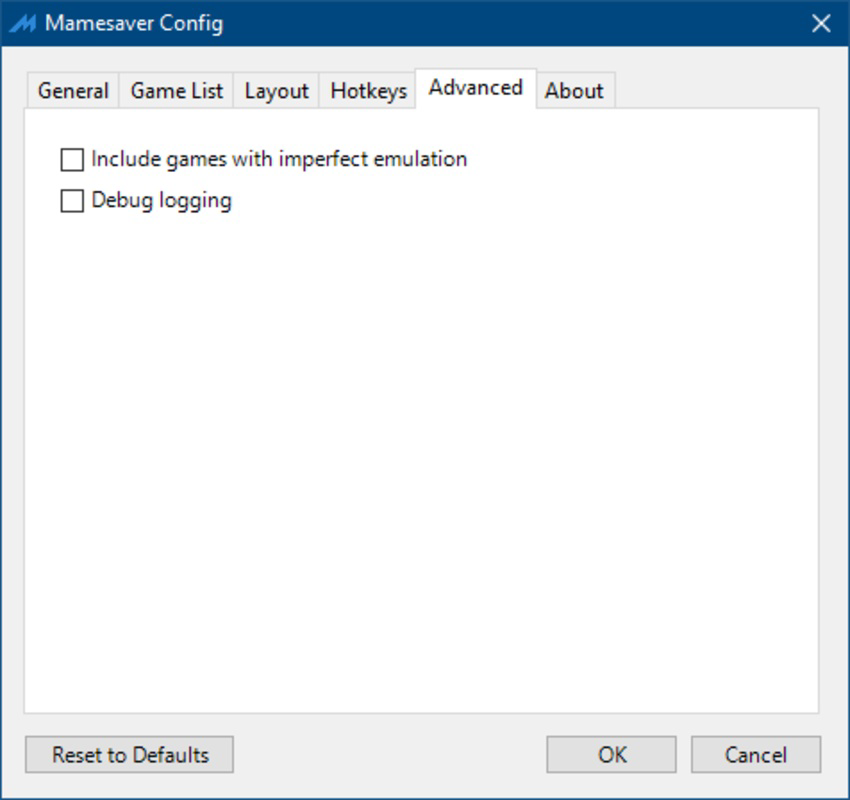
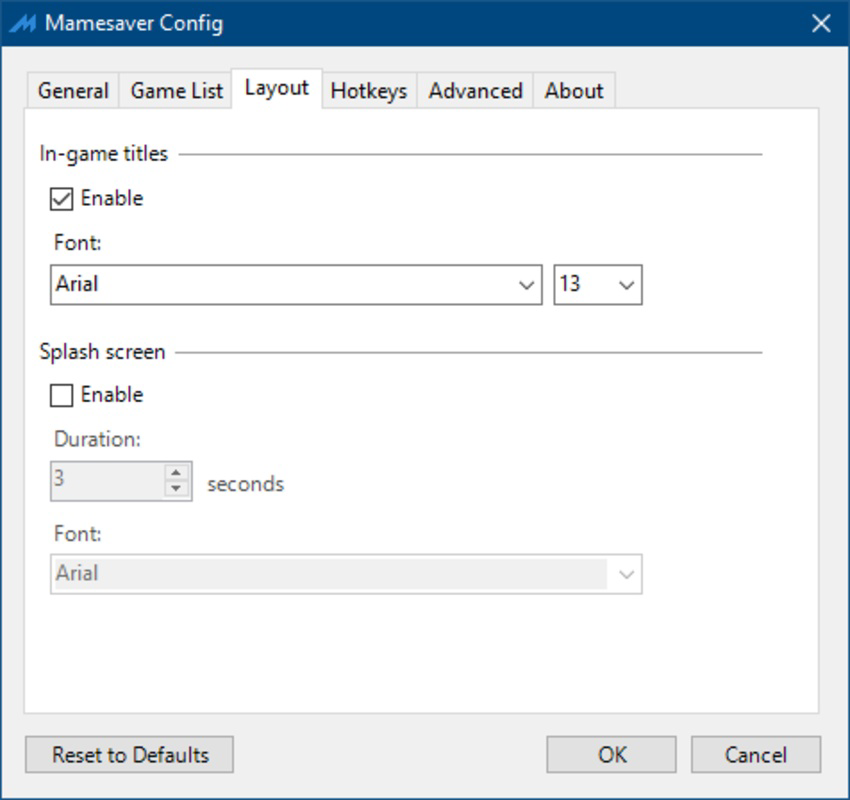
- Customizable Display Settings: Users can adjust how games are rendered during screensaver mode, including aspect ratio, scaling, and display duration. This allows for a personalized visual setup that matches individual desktop preferences and hardware capabilities.
For example, a user might set Mamesaver to launch Pac-Man after 10 minutes of inactivity, with an auto-switch every 15 minutes to cycle through a curated list of 1980s classics. This turns idle time into a dynamic, interactive experience without requiring active gameplay.
Interface, UX & Performance
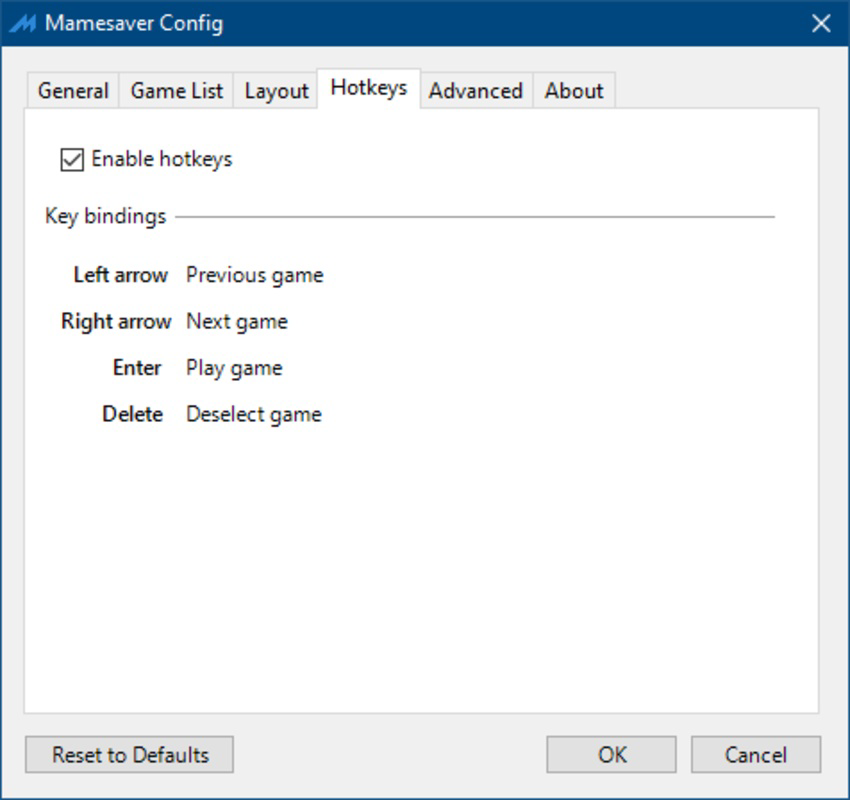
The user interface of Mamesaver is minimalistic and functional, aligning with the expectations of desktop utility tools. It features a straightforward layout with clear navigation, allowing users to access game selection, auto-switch settings, and display preferences without confusion. The visual style is intentionally unobtrusive, focusing on usability rather than decorative elements.
Navigation is intuitive, with most functions accessible through a single settings panel. The app integrates natively into Windows’ screensaver configuration, meaning users can manage Mamesaver through standard system settings. This seamless integration enhances the overall user experience by avoiding the need for a separate launcher or complex workflows.
Although the developer did not list formal performance metrics, Mamesaver is designed to operate efficiently in the background. It leverages the host system’s MAME installation, which handles the heavy processing, minimizing resource usage during idle periods. The app remains stable during extended use, with no reported crashes or freezes in standard usage scenarios.
Responsiveness is consistent across various device categories, from mid-range desktops to high-performance systems. The app adapts to different screen resolutions and aspect ratios, ensuring a smooth visual output. Users can expect reliable performance as long as the underlying MAME setup is properly configured.
Platform Compatibility & Technical Requirements
Mamesaver is available exclusively for the Windows platform. It requires a compatible version of the Multiple Arcade Machine Emulator (MAME) to be installed on the system prior to use. The app itself is lightweight, with a file size of 12.5 MB, making it suitable for installation on systems with limited storage.
The software version is 1.0.0, released on November 26, 2021. Specific OS requirements were not listed by the developer. However, given its compatibility with MAME, it is likely designed for Windows 7 and later versions, including Windows 10 and Windows 11.
Users should ensure that their system meets the requirements of the MAME emulator they are using, as Mamesaver relies on it for core functionality. The developer did not specify minimum RAM, processor, or GPU requirements.
Pros and Cons
Pros
- Transforms idle screen time into engaging retro gaming sessions
- Simple setup with seamless integration into Windows screensaver settings
- Supports customizable game selection and auto-switching
- Delivers authentic arcade gameplay through MAME ROMs
- Lightweight file size (12.5 MB) with minimal system impact
- Free to download and use, with no in-app purchases
Cons
- Requires a pre-installed MAME emulator and valid ROMs
- Not compatible with macOS or Linux platforms
- No official update history or changelog provided
- Limited customization options beyond game selection and display
- Dependent on third-party ROM legality and user compliance with copyright
FAQ
Is Mamesaver safe to download and use?
Mamesaver itself is a lightweight, free utility with no known malware. However, users must ensure that their MAME emulator and ROMs are obtained legally and comply with copyright laws.
Do I need to install MAME separately?
Yes. Mamesaver does not include the MAME emulator. You must install a compatible version of MAME on your system before using Mamesaver.
Can I use Mamesaver on macOS or Linux?
Currently, Mamesaver is only available for Windows. There is no official support for macOS or Linux.
Is Mamesaver free to use?
Yes. The app is completely free to download, install, and use with no hidden costs or subscription fees.
How often can I switch between games?
You can set the auto-switch interval between two minutes and 24 hours, depending on your preference for game variety.
Final Thoughts
Mamesaver stands out as a clever fusion of nostalgia and functionality, turning the mundane act of a screensaver into a delightful retro gaming experience. For fans of classic arcade titles, it offers a seamless way to revisit beloved games without leaving the desktop. Its lightweight design, intuitive interface, and integration with MAME make it a valuable tool for enthusiasts who appreciate authenticity and simplicity.
While it requires a separate MAME setup and is limited to Windows, its core purpose is fulfilled with precision. The app excels in delivering consistent performance, engaging gameplay, and customizable options that enhance the user’s digital environment. Whether you’re taking a short break or simply want to add a touch of retro charm to your workspace, Mamesaver delivers genuine value.
Download Mamesaver now
Guides & Tutorials
How to install Mamesaver
- Click the Download button above.
- Once redirected, accept the terms and click Install.
- Wait for the Mamesaver download to finish on your device.
How to use Mamesaver
This software is primarily used for its core features described above. Open the app after installation to explore its capabilities.
User Reviews
No reviews yet. Be the first to share your experience.
You may also like
more
Que no te pillen¡
About !Que no te pillen¡Reviewed by Jason A. BilbreyShow MoreShow Less

3D Combat Zone
About 3D Combat ZoneOriginally released in 1983, 3D Combat Zone immerses players...

666: El día del portal
About 666: El día del portalOn June 6, 2006, Agent P. Stone uncovers a sinister...

80 in 1 Best Flash games
About 80 in 1 Best Flash games 80 in 1 Best Flash games is a collection of 80 fl...

ABYSS SEEKERーーWhat Do You See Deep in The Abyss
About ABYSS SEEKERーーWhat Do You See Deep in The AbyssIn ABYSS SEEKER, players...

ACA NEOGEO THE KING OF FIGHTERS 2002 for Windows
About ACA NEOGEO THE KING OF FIGHTERS 2002 for WindowsTHE KING OF FIGHTERS 2002,...